Contour – Flexible Cropping Update

Over the past month, we’ve been responding to your feedback on Flexible Cropping and have made a number of improvements to support you when managing cropping.
🔎 What’s new?

Cropping plan – Fields view
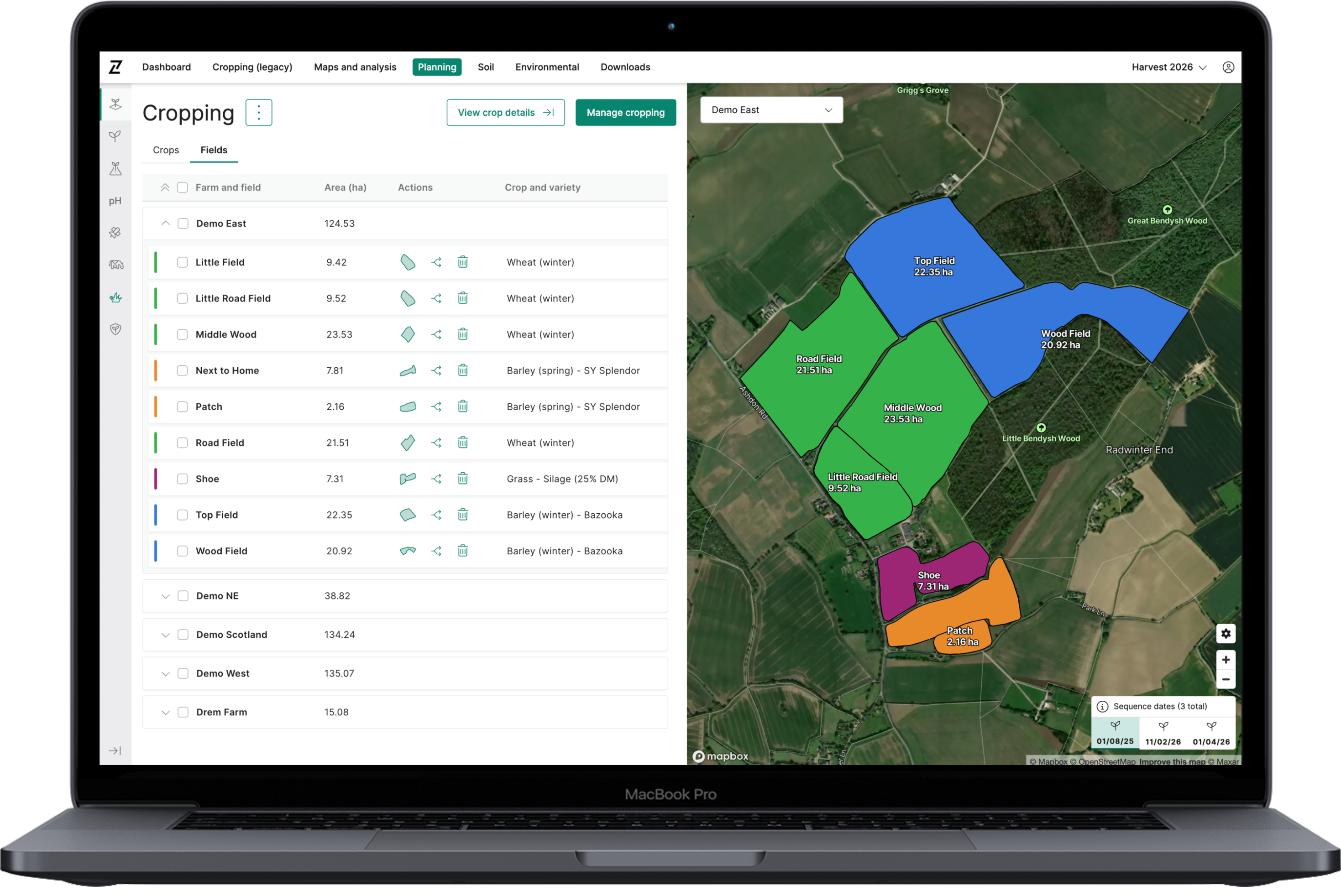
You can now view crops by Fields (grouped by farm) within a cropping plan, making it quicker and easier to see all crop allocations in one place.

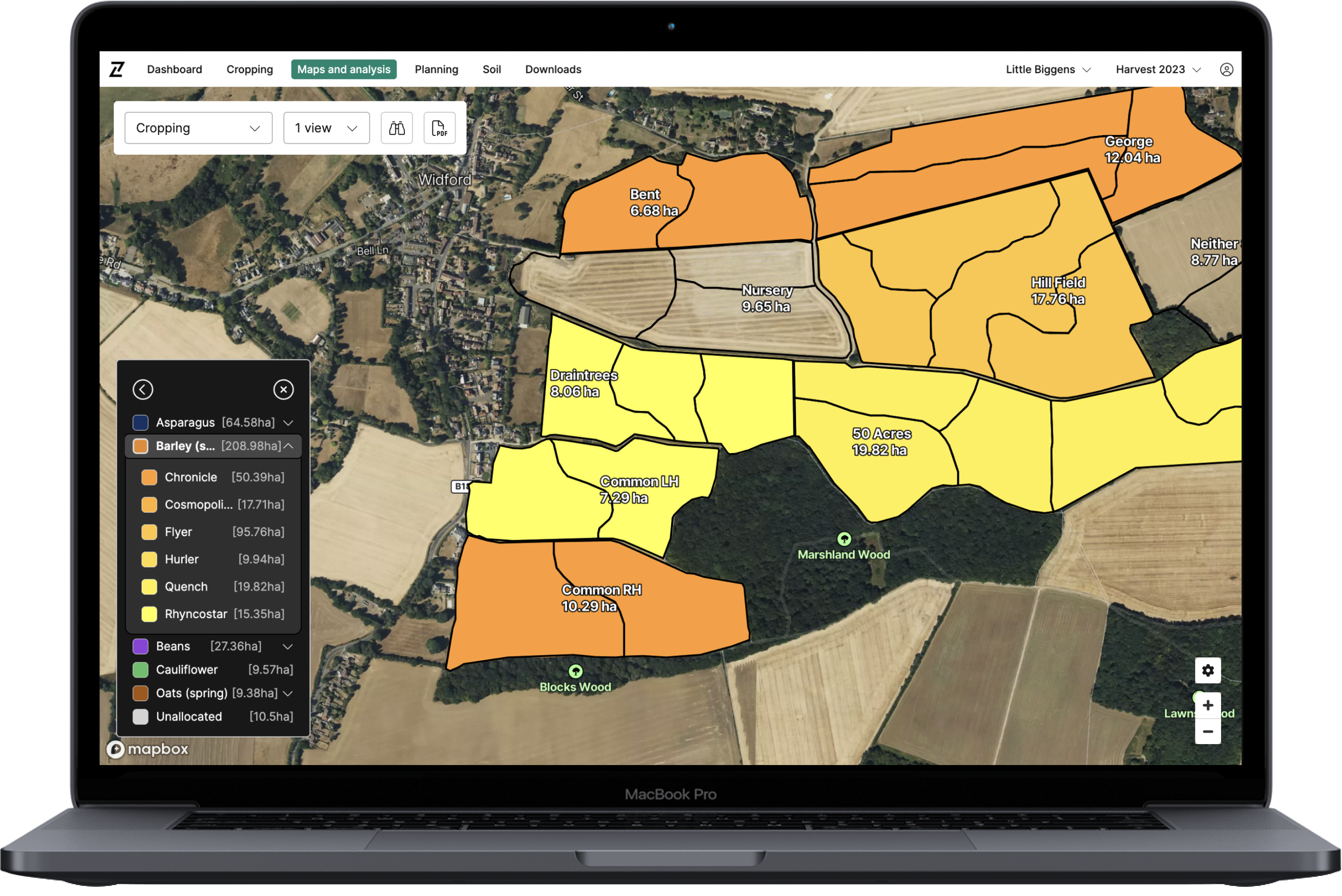
Crop allocations can be selected directly in the table, with selections reflected on the map and in the Crops view. All functionality available in the Crops view — including Manage croppingSplit crop, and View crop details — is also available in the Fields view.

Filter farms and fields
Managing cropping at account level helps reduce duplication, but it can be more difficult to locate specific fields across multiple farms.To support this, we’ve added farm and field filters to the cropping table headers. Selecting the filter icon allows you to search and filter by one or more farms or fields.

Cropping areas in the table are automatically recalculated based on your selections, making it easier to understand total crop areas by crop type and variety.

Expand/collapse all accordions
To speed up navigation and reduce the number of clicks when working in the cropping table, you can now expand or collapse all accordions at once.Selecting the double chevron icon (in the table header) will:

  • Expand all when no accordions are open
  • Collapse all when one or more accordions are open
📩 Feedback

Log in to Contour to check out the updates today, and please send any feedback you may have to info@digital.originenterprises.com to help us keep improving.

If you have any questions, drop us a message

Similar Posts